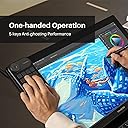
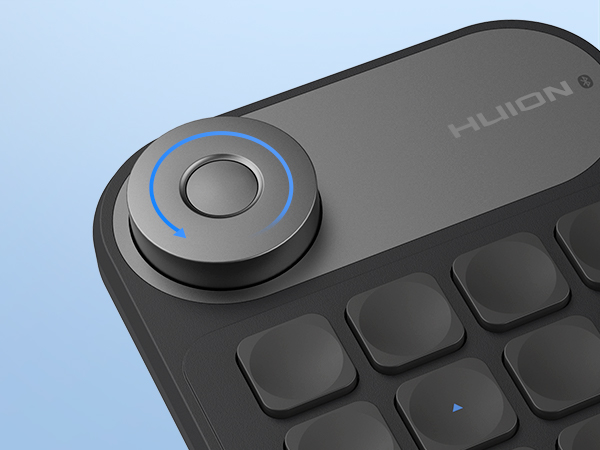
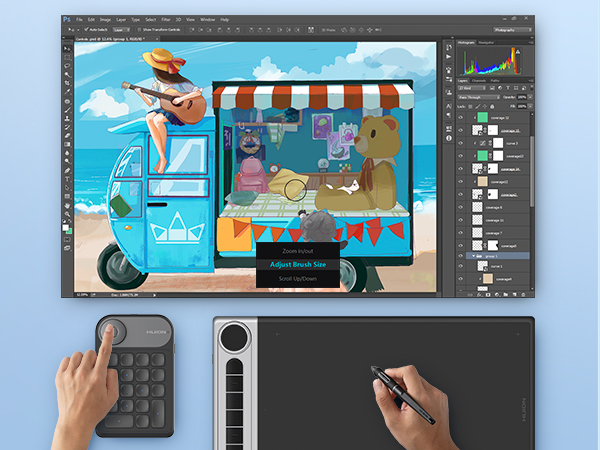
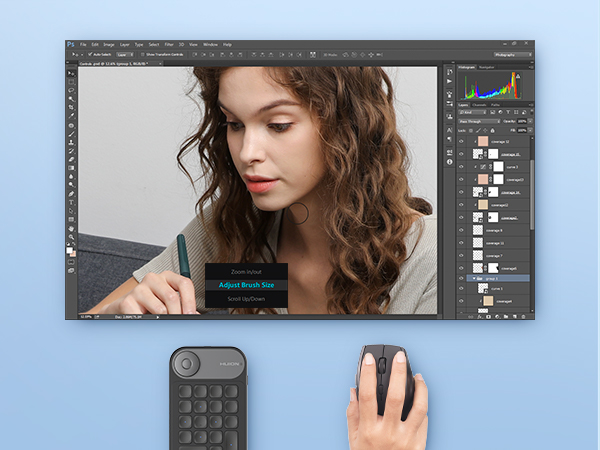
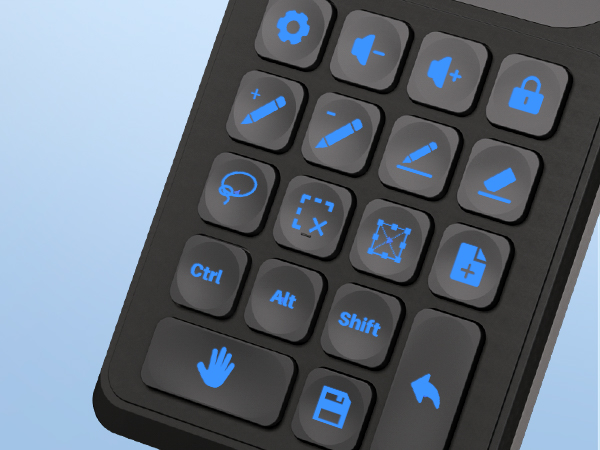
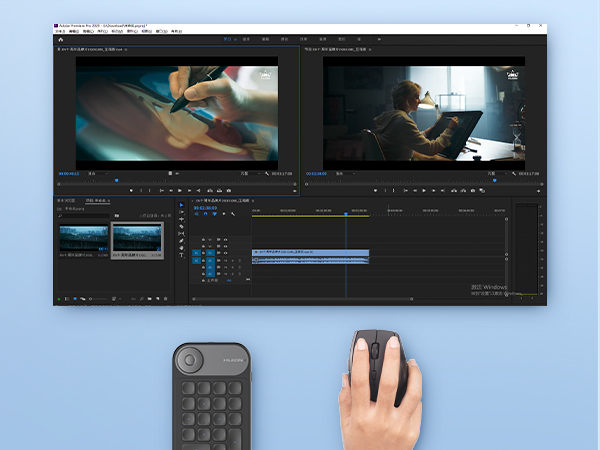
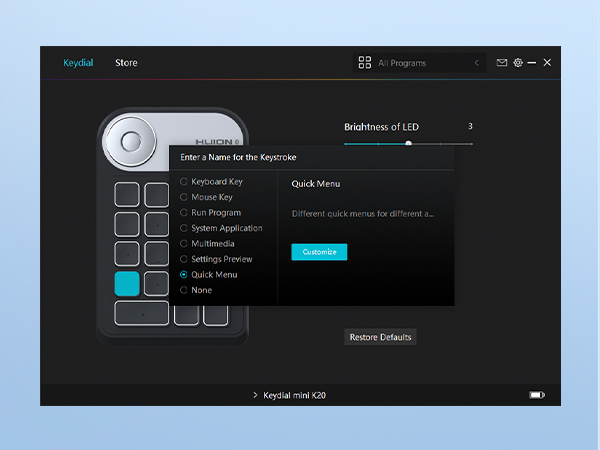
I know my headline is kinda crazy sounding (and a little AI-ish,) but I AM a real (very excited) person, and I'm SO thrilled with this little hotkey pad. XD I just wanted to put answers to questions I couldn't find answers to in my headline, just in case it's helpful to others lol! I've also tried to leave a comprehensive but concise thoughts on my experience with the keypad for any fellow visual artists (especially those using larger-scale drawing tablets) WHY I NEEDED IT I currently use a WACOM Cintiq 22" (without "touch" capabilities), and trying to access my hot keys on my desktop keyboard was a nightmare. It made it uncomfortable, and deterred me from drawing. I found this little guy with a lot of great reviews, and had also heard enough positive buzz about Huion over the years that I gave it a try. It took a while to arrive, so just be ready for a wait. However, once it DID arrive, it has blown all of my hopes and expectations out of the water. FIRST IMPRESSIONS - Battery was already 90% charged - Downloading the driver was very easy and fast - Setting up the hot keys was incredibly easy and flexible - It comes with 2 sets of sticker labels so you can keep track of your hot keys - It has nice little rubber grips on the bottom so it doesn't slide all over the screen - It comes with a nice 3-ish foot USB cable so you don't HAVE to use bluetooth if you don't have it. I also think the cable is long enough that it doesn't get TOO in the way when you're drawing, either. MY FAV ASPECTS (So Far) 1. I LOVE that the dial lets you set THREE different hot key settings simultaneously. I currently use "zoom in/out" and "canvas rotate". All you have to do is click the little button in the middle of the dial to switch between your desired "hot key mode". It's beyond convenient and comfortable for my hand. 2. Super big fan of the bluetooth and wire connect options, and how the wire is long enough that it wont really impede your ability to draw or strain the connection. 3. It's very light, and comfortable to use. While it has nice rubber grips, they aren't "too much" so you're not smudging your screen, but as long as your hand is on the device, it isn't sliding everywhere, either. 4. Set up was incredibly straightforward and easy, and I loved how it offered program-specific key menus (like Clip Studio Paint and Photoshop). FINAL THOUGHTS I know it's just a hot key pad, but it has totally changed my workflow, and I'm much more excited and motivated to draw because I'm way more comfortable and efficient. I'm really impressed with the extra details like the stickers and USB cable that improve the user experience. I'm also really impressed that it functions SO seamlessly with my Wacom. A part of me had really worried that it WOULDN'T work so great since HUION sells their OWN line of drawing tablets--but it's working great. I've only been using it for a few days, so if it suddenly stops working or something, I'll update my review then. But, for fellow visual artists looking for a simple but effective hot key pad to make work more comfortable and efficient, I am REALLY pleased with the purchase, and highly recommend. ^_^