


🚀 Power Your Productivity with Multi-Gig Speed & Voice Clarity
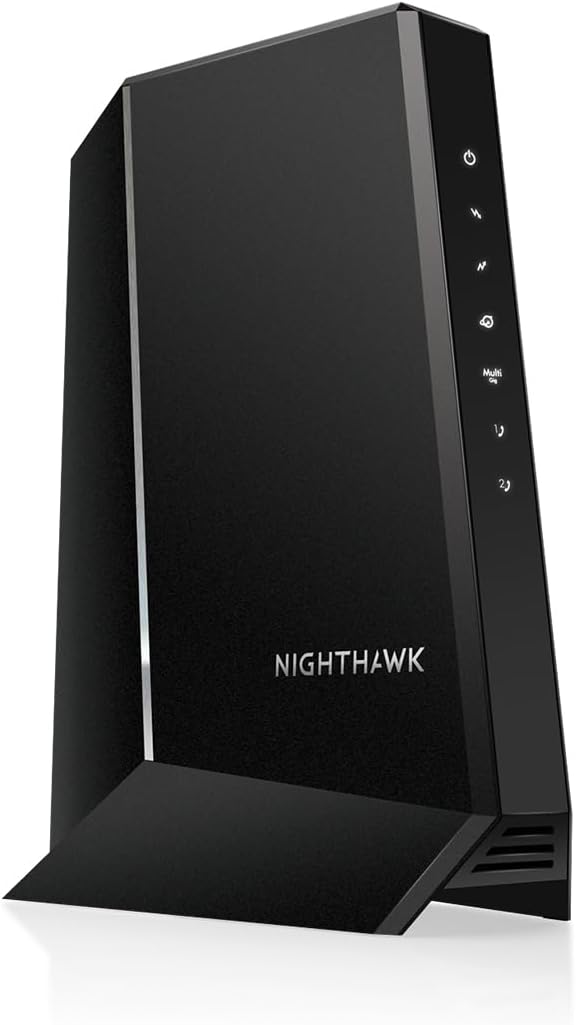
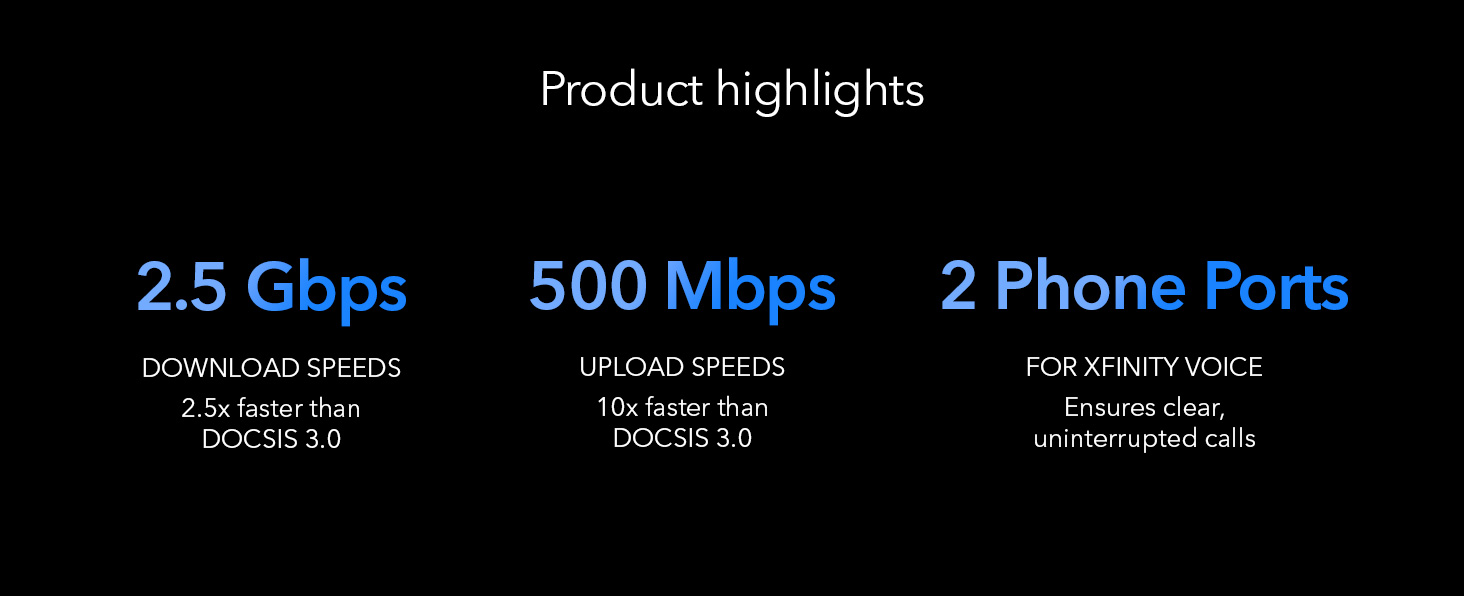
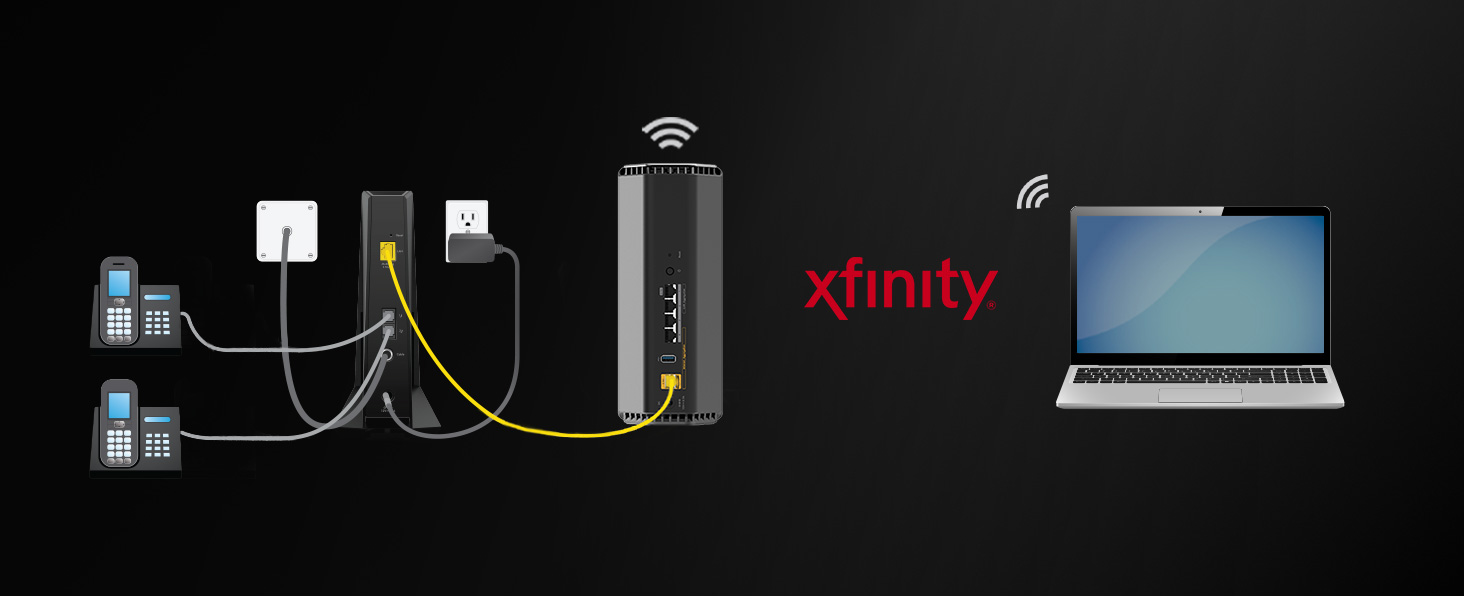
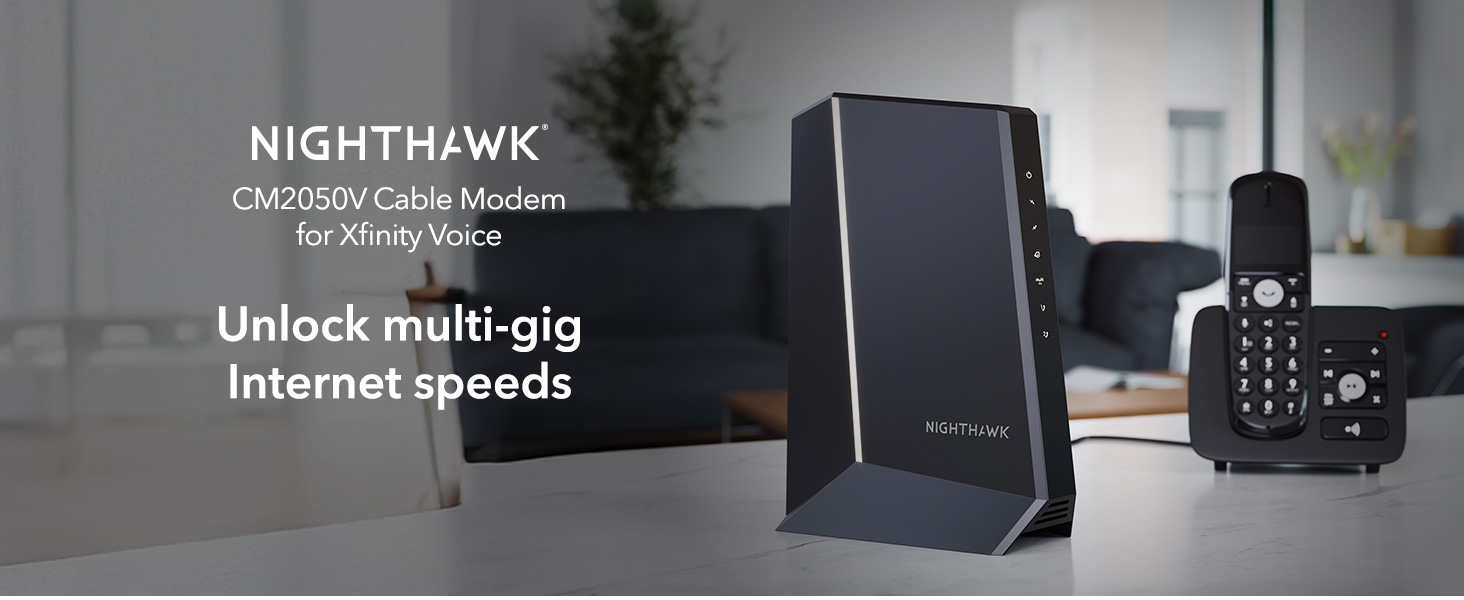
The NETGEAR Nighthawk CM2050V is a DOCSIS 3.1 cable modem designed for Xfinity internet plans up to 2.5Gbps. It supports multi-gig Ethernet speeds, dual phone lines with advanced voice features, and is compatible with any WiFi router—optimally with WiFi 6 or 7. Certified by Xfinity, it offers easy setup and future-proof performance for professional and home networks.







| Asin | B01N7LXR0W |
| Best Sellers Rank | #1,351 in Computers & Accessories (See Top 100 in Computers & Accessories) #15 in Computer Networking Modems |
| Brand | NETGEAR |
| Built In Media | Nighthawk 2.5Gbps Internet Speed Cable Modem (CM2050V), One (1) Ethernet cable, One (1) RJ11 telephone cable, Quick install guide, Power adapter |
| Color | Black |
| Compatible Devices | Router |
| Connectivity Technology | Ethernet |
| Customer Reviews | 4.0 4.0 out of 5 stars (1,055) 4.0 out of 5 stars |
| Data Transfer Rate | 2.5 gigabits_per_second |
| Internet Service Provider | Xfinity |
| Item Dimensions L X W X H | 6.8"L x 3.7"W x 8.2"H |
| Item Weight | 2.6 pounds |
| Manufacturer | Netgear |
| Maximum Downstream Data Transfer Rate | 2500 megabits_per_second |
| Maximum Upstream Data Transfer Rate | 2.5 gigabits_per_second |
| Mfr Part Number | CM2050V-100NAS |
| Model Number | CM2050V-100NAS |
| Modem Type | DSL |
| Number Of Ethernet Ports | 2 |
| Number Of Items | 1 |
| Number Of Ports | 2 |
| Unit Count | 1 Count |
| Upc | 606449147483 |
| Warranty Description | 1-year warranty |
User
Fast, Reliable, and a Great Alternative to Rental Equipment
The NETGEAR Nighthawk CM2050V has been an excellent upgrade for my home internet setup. Activation was straightforward, and it works seamlessly with Xfinity Voice while delivering fast, stable performance. The DOCSIS 3.1 technology is perfect for high-speed cable plans, and the multi-gig support helps ensure I’m getting the most out of my internet service. I also appreciate having two phone line ports built in, making it a great all-in-one solution. It’s a well-built modem that performs reliably and can save money over time by eliminating monthly equipment rental fees.
User
Good product!
It is very easy to set up with the X-finity for the land line. It is just like new.
User
Used, Security-Compromised Device Sold as “New” — Material Misrepresentation & Defective Product
This review documents a material misrepresentation and functional security defect involving a product sold and shipped by Amazon as Brand New.I purchased the NETGEAR Nighthawk Multi-Gig Cable Modem for Xfinity Voice (CM2050V) on October 21, 2025, paying full retail price ($299 + tax). The unit received was clearly used, improperly packaged, and security-compromised.Evidence of Prior Use (Not New Condition):Outer box was torn, unsealed, and forcibly openedDevice surface had grease marks and fingerprintsPower cable was loosely thrown into the boxMissing required accessories:Installation documentationEthernet cableTelephone cableAll other items in the same shipment arrived factory-sealed and new, making this discrepancy unmistakable.Functional & Security DefectAfter installation and ISP MAC registration, the modem becomes operational; however, the administrative credentials cannot be reset:Factory reset procedures do not restore default credentialsThe default admin password (“password”) no longer appliesAdmin password cannot be changed or recoveredThis indicates one of the following:The device retains prior owner credentials, orThe reset mechanism is non-functionalBoth conditions render the modem defective and insecure. A consumer networking gateway that does not allow credential control is not fit for purpose and presents a security risk.As a Network Infrastructure Engineer, I can state unequivocally that a modem in this condition fails basic security and usability requirements.Return Window Impact:This modem was shipped directly to Texas for an elderly family member. Due to an unforeseen family death, I was unable to install the device until November 26, 2025, at which point the return window (November 22) had expired. The defects were discovered immediately upon first installation.Conclusion:This is not a matter of buyer error or preference. It is a case of:Used hardware sold as newIncomplete contentsSecurity-related functional defectAt this price point, and for a foundational network device, this is unacceptable. Amazon must ensure that items sold as “New” meet minimum packaging, reset, and security integrity standards.I will follow-up this review with a formal Executive Escalation letter to request escalation regarding this defective and misrepresented product sold and shipped by Amazon as Brand New.
User
Good
Wifi is actually not built-in, I was wrong. Good modem
User
Works great, but over priced
Very over priced, but it works, high speeds and multi line phones. Easy to set up.
User
Works perfectly--if you know what to do.
This device was set up and working perfectly in 15 minutes--but it is very important to know how to best do it, which I discovered from various online forums. It is designed to work with Xfinity, and is more expensive because it has phone ports, which were important to us. If they are not important to you, buy a cheaper model. Now for the set-up. The most important point in setting it up is to NOT deal with any verbal phone tech support, and it will become clear why. Xfinity's own website describes how to use the mobile phone app for setup--use it. Once you have downloaded the phone app and signed in to it, it allows Xfinity to identify you and know where your service is immediately. In the app, go to Account, Add new device, Your own--and follow the directions. The only input required of you is for the CM MAC number which is on the bottom of the unit. They do not need or want the MTA MAC number--forget about it. It took 8 minutes for their system to identify the device, and about another 6-7 minutes to set it up. That was all, and everything, phone line included, worked perfectly with my correct phone number. Given my previous interactions with Xfinity, I was amazed at how seamlessly this worked. They have gotten their act together--almost. Here's the hooker. I went on the the Xfinity website, and it had immediately identified that I now had my own modem. But I also wanted to call Xfinity to confirm that the old modem/router would be taken off my bill once I returned it--big mistake. Their automated phone tree started off by saying that it had detected a problem with my modem and wanted permission to reset it!!! I shouted no, no ,no and hung up. What I suspect is going on is that the Xfinity answering system and probably any employee you would talk to is operating off a legacy system which does not update immediately, like your account website and whatever infrastructure uses the mobile phone app to set up new equipment. The bottom line is to use the new mobile phone app for any setup and NOT, under any circumstances call for any tech support, verbal or automated, because they are not immediately in touch with the new setup infrastructure. I hope his helps any subsequent customers. With the new setup system, the device worked immediately and flawlessly.
User
No animals were hurt while installing this modem.
Let's all remember, this is a modem. It's not a router. For me, that's good as I have a router/firewall device on the other side. Because it's a modem, its sole job is to pass through the single DHCP address from Xfinity. Configuration is pretty simple, you plug it in. From there you have to hook up a laptop/desktop to it to get into its local config so you can get the MAC to send to Xfinity, then that's pretty much it.A few gotchas though. I have multiple VLANs setup in different rooms and I put this on a VLAN from the switch. It did not like that. It couldn't pass the IP address back to my firewall/router. I didn't spend too much time troubleshooting it, rather I just added a coaxial wire to the room where my firewall is located (which has a service panel close to the coaxial main).The product has worked well for what I need. I haven't noticed a decrease in performance over the old Xfinity modem/router/WiFi combo. I bought this because my Xfinity device died, and I have my own WiFi (Orbi), and I also have a complex 2 ISP configuration, which cannot be easily managed with the Xfinity router. The dumb modem allows me to solve most of my problems.I did run into one issue, not with the modem, with the service. Xfinity actually charges you more for using your own hardware than renting theirs. It's unfortunate. The device is great and I will pay the extra $5 per month (instead of saving $14 as expected). When they reconfigured the plan I went from 80mbps up to 40mbps up. This isn't the device, because I was getting great upload speeds before having them change the plan to include the customer-owned hardware. They said it was the hardware, but the hardware ran fine for a week. It turns out they throttled it and you have to call them and argue through it with them. This is important information because it's not the device, it's the service levels on their side, so if you see things that don't look correct after it's set up and verified, then it's probably on their side.
User
Bit of a battle to get up and running. Does not include wifi.
It took me a while to get it to actually get online and working with Xfinity and the network I have setup in my home. I needed to go online with my cellphone and go to the activate a new device page while just my computer and the new modem were networked together. Once it was activated I had to reboot the modem and it then went online and was networked into my computer and online.Then I had to get my wifi router passing the internet from the new modem which took some time. I reset the automatic DNS selection settings and that got everything working together so all my network devices got online. Since then everything has just worked including the phone lines and it's fast. It's a nice fast cable modem with telephone voice support, just be prepared for some work to get it setup and working properly if you have a complicated network with a lot of devices to work with.
Trustpilot
1 week ago
1 month ago